
PREPISKA DZSA LAUNCHER
Works in Russia.
No VPN needed.
PREPISKA is a DayZ launcher you can use in Russia without turning on a VPN. Find your usual servers in the DZSA directory, download mods through Steam and join the game.
Бесплатно · v1.2.11 · 3.1 MB
Windows 10/11 · Steam and an installed copy of DayZ
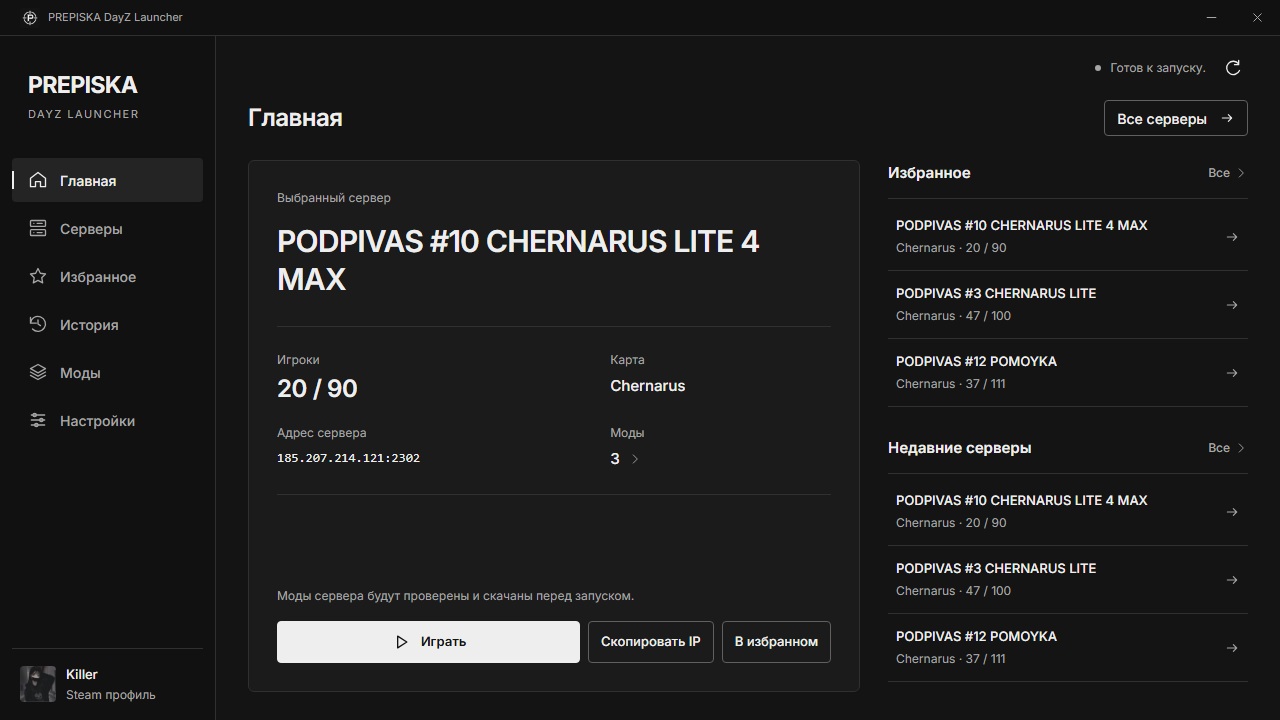
No VPN needed in Russia
Open the launcher and find your serverSearch tolerates typos
By name, map or IP addressFewer empty servers
Hidden after 30 minutes without playersComparison
What changes after DZSA
The same server source. Our ordering, filtering and interface.
| Feature | DZSA Red launcher | PREPISKA Our launcher |
|---|---|---|
| Access from Russia | Server list through DZSA services | Works without a VPN: the server list comes from prepiskadayz.ru |
| Server directory | DZSA directory | The same source, with our empty-server and known-mirror filters |
| Search servers | Search in the DZSA server list | Search by name, map or address; small name typos do not get in the way |
| Sponsored placements | DZSA sponsored listings | DZSA placements are ignored. Our sponsors appear first, labeled as ads; other servers follow by player count |
| Modded servers | Modded server support | Your Steam downloads missing mods; launch follows when downloads finish |
PREPISKA works in Russia without a VPN. Mod downloads depend on Steam Workshop availability; joining also depends on the game server. DZSA website ↗
Everyday play
Less searching. Easier choosing.
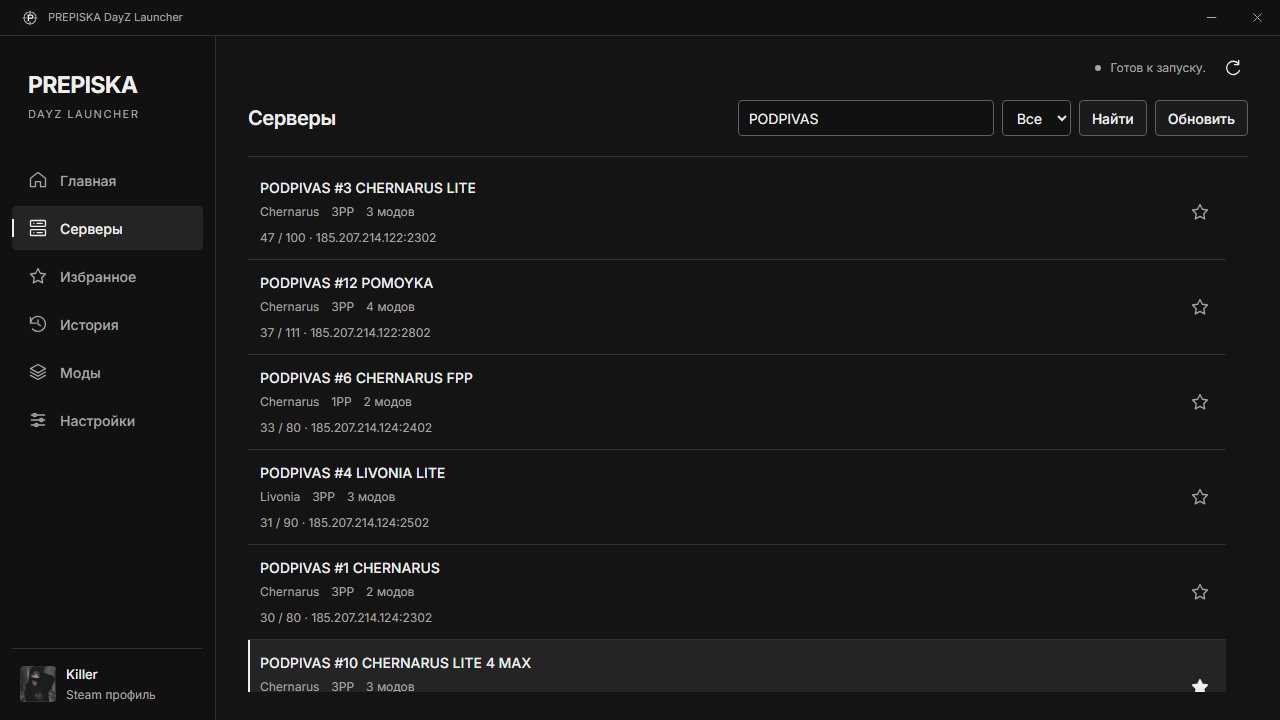
- Cannot remember the exact name?
- Enter a familiar part of the name or a map. Search tolerates small typos in words; you can paste a full server address.
- Tired of scrolling past empty servers?
- Servers without players for more than 30 minutes are hidden from the list. Known mirrors are filtered too.
- Already found your server?
- Save it to favorites. The last 50 launches stay in history, so you can return without searching again.
Another feature
Q/E lean running
Enable it in PREPISKA: the launcher binds gamepad lean actions to Q and E in your DayZ preset, allowing you to keep leaning while sprinting.
How lean running works →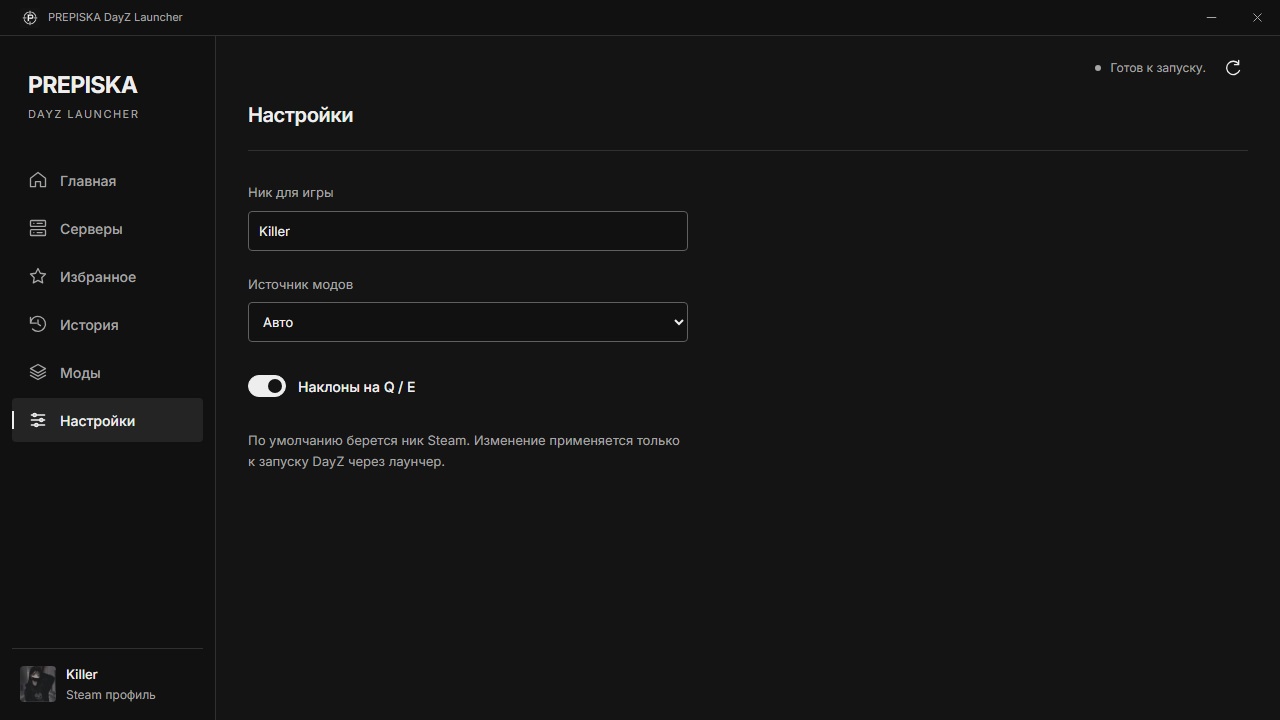
Try your own server
You can keep DZSA
No permanent choice required. Install PREPISKA alongside it and see which you prefer.
- 01
Install PREPISKA
Windows 10/11, Steam and an installed copy of DayZ. No PREPISKA account needed.
- 02
Find your usual server
Search by name or IP. DZSA favorites are not imported automatically.
- 03
Click Play
The launcher checks mods and waits for Steam downloads. Installed, up-to-date mods do not need to be downloaded again.
Before installing
Are the red launcher and DZSA Launcher the same thing?
Yes, the red DayZ launcher usually means DZSA Launcher. PREPISKA is a separate, independent launcher, not an update or an official version of DZSA.
Do I need to uninstall DZSA before installing PREPISKA?
No. You can keep both launchers. PREPISKA uses Steam Workshop; installed, up-to-date mods do not need to be downloaded again.
Does the launcher include DayZ?
No. You need a purchased, installed copy of DayZ on Steam and Windows 10/11. PREPISKA is free, but does not replace the game.
PREPISKA DAYZ LAUNCHER
Play without a VPN.
Your DayZ servers, in a launcher that works in Russia.
Бесплатно · v1.2.11 · 3.1 MB
Windows 10/11 · Steam and an installed copy of DayZ
PREPISKA is an independent project, not affiliated with DZSA. It does not replace DayZ or fix an unavailable Steam Workshop or game server. Connection help →